
Dolphin Browser on PC: What Works, What to Avoid, and How to Set It Up Safely
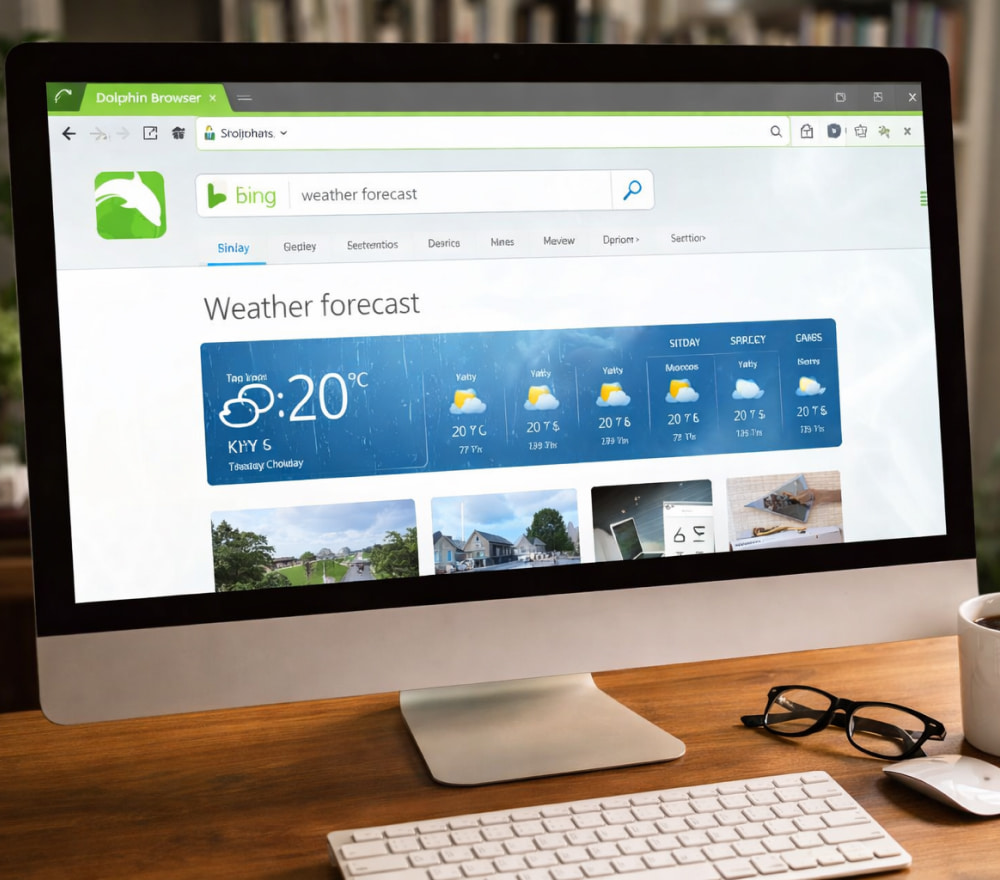
Install Dolphin Browser for Free
DownloadMobile-first browsers can be surprisingly handy on a desktop, especially when you want the same bookmarks, gestures, and lightweight feel you’re used to on a phone. Many users search for Dolphin Browser on PC today because they prefer its familiar interface for quick sessions rather than switching workflows.
Is there a Real Windows Version?
Dolphin Browser is primarily an Android/iOS product, so most “PC” solutions rely on running the Android app inside a Windows environment rather than installing a native desktop build. The official site positions Dolphin Browser as a mobile browser, which is a good clue about what to expect on Windows.
Tip: Treat any website promising a “one-click Windows installer” with extra skepticism unless it clearly explains whether it’s an emulator-based setup or a browser extension.
Use an Android Emulator (Most Common Approach)
For most people, the smoothest route is an Android emulator on Windows, then installing the app through Google Play. A practical way to download Dolphin Browser for PC is to set up an emulator, sign in with your Google account, and install it from the Play Store like you would on a phone.
Quick Setup Checklist
- Install a reputable Android emulator for Windows.
- Enable virtualization (VT-x/AMD-V) in BIOS/UEFI if your emulator recommends it.
- Sign in to Google Play inside the emulator.
- Install the Dolphin Browser app, then pin it in the emulator for easy access.
Best Practices for Performance
- Allocate enough RAM/CPU in emulator settings (without starving Windows).
- Use SSD storage if possible for faster app launch times.
- Keep graphics rendering set to the emulator’s recommended mode (often DirectX/OpenGL toggles).
Some pages advertise Dolphin Browser download for PC but actually offer third-party repackagers, download managers, or unrelated software, so it’s worth verifying what you’re getting before you click anything.
Also note that you may see unrelated products using the word “Dolphin” (for example, anti-detect tools) that have nothing to do with the mobile browser, so always confirm the publisher and product category.
Chrome/Edge Extensions That Use the Name “Dolphin”
There are browser add-ons that merely change a new-tab background or theme and are not the mobile browser itself, so they won’t replicate features like gestures or the in-app experience. If you encounter a listing like Dolphin Browser for PC download, read the description carefully to see whether it’s a theme/extension rather than the Android app.
What You’ll Get On Windows (And What You Won’t)
Running the mobile app inside an emulator can feel surprisingly close to the phone experience, but it still behaves like an Android app window rather than a native Windows browser. In day-to-day use, Dolphin Browser app on PC works best for:
- Accessing a mobile-style UI on a big screen.
- Testing how websites behave on Android without grabbing a device.
- Keeping a separate “mobile browsing” environment for specific tasks.
But it may be less ideal if you need deep Windows integrations (system password managers, desktop extensions, advanced dev tools, or OS-level sharing).
Security and Privacy: A Practical Approach
Because many “download” pages on the open web can be misleading, the safest baseline is to install via the Google Play listing inside an emulator and avoid random executables from unfamiliar sites. The Play Store entry confirms the app identity and provides a more predictable update path.
Troubleshooting Guide
| Problem | Likely cause | Fix |
|---|---|---|
| App feels slow or stutters | Low emulator resources or disabled virtualization | Enable VT-x/AMD-V, increase RAM/CPU allocation, close heavy apps |
| Can’t sign in to Google Play | Outdated emulator image or network restrictions | Update emulator, try a different Android version image, verify firewall settings |
| Websites look “mobile” and cramped | Mobile user-agent and viewport scaling | Switch to “Desktop site” where available, adjust emulator DPI/window size |
| Downloads don’t appear in Windows folders | Android sandbox storage inside emulator | Use emulator shared folders or export files via built-in file manager/share options |
A Safe, Repeatable Install Flow
If you want a clean, predictable setup, use an emulator and get Dolphin Browser for Windows PC through the official Play Store listing, then keep the emulator updated and avoid third-party installers that bundle extras.
Once it’s running smoothly, you’ll have a convenient mobile-style browser environment on your desktop useful for testing, quick browsing sessions, and keeping certain tasks separated from your main Windows browser.